1571027556
* Part of https://github.com/emilk/egui/issues/3556 ## In short You now almost never need to use `eframe::Frame` - instead use `ui.input(|i| i.viewport())` for information about the current viewport (native window), and use `ctx.send_viewport_cmd` to modify it. ## In detail This PR removes most commands from `eframe::Frame`, and replaces them with `ViewportCommand`. So `frame.close()` becomes `ctx.send_viewport_cmd(ViewportCommand::Close)`, etc. `frame.info().window_info` is now also gone, replaced with `ui.input(|i| i.viewport())`. `frame.info().native_pixels_per_point` is replaced with `ui.input(|i| i.raw.native_pixels_per_point)`. `RawInput` now contains one `ViewportInfo` for each viewport. Screenshots are taken with `ctx.send_viewport_cmd(ViewportCommand::Screenshots)` and are returned in `egui::Event` which you can check with: ``` ust ui.input(|i| { for event in &i.raw.events { if let egui::Event::Screenshot { viewport_id, image } = event { // handle it here } } }); ``` ### Motivation You no longer need to pass around the `&eframe::Frame` everywhere. This also opens the door for other integrations to use the same API of `ViewportCommand`s. |
||
|---|---|---|
| .. | ||
| src | ||
| Cargo.toml | ||
| README.md | ||
| screenshot.png | ||

README.md
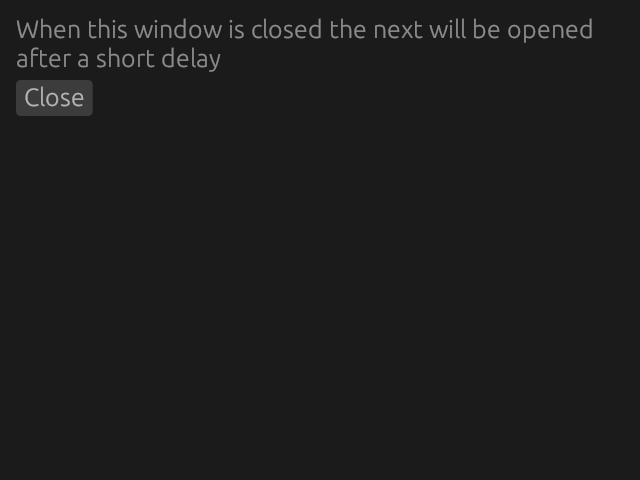
Demonstrates how to open several windows after each other.
Expected order of execution:
- When the example runs a first window will be shown.
- Once the first window is closed after a delay a second window will be shown.
- Similarly, when the second window is closed after a delay a third will be shown.
- Once the third is closed the program will stop.
NOTE: this doesn't work on Mac due to https://github.com/rust-windowing/winit/issues/2431. See also https://github.com/emilk/egui/issues/1918.
cargo run -p serial_windows